What a Vegetable Garden App Should Do for You
6 min read
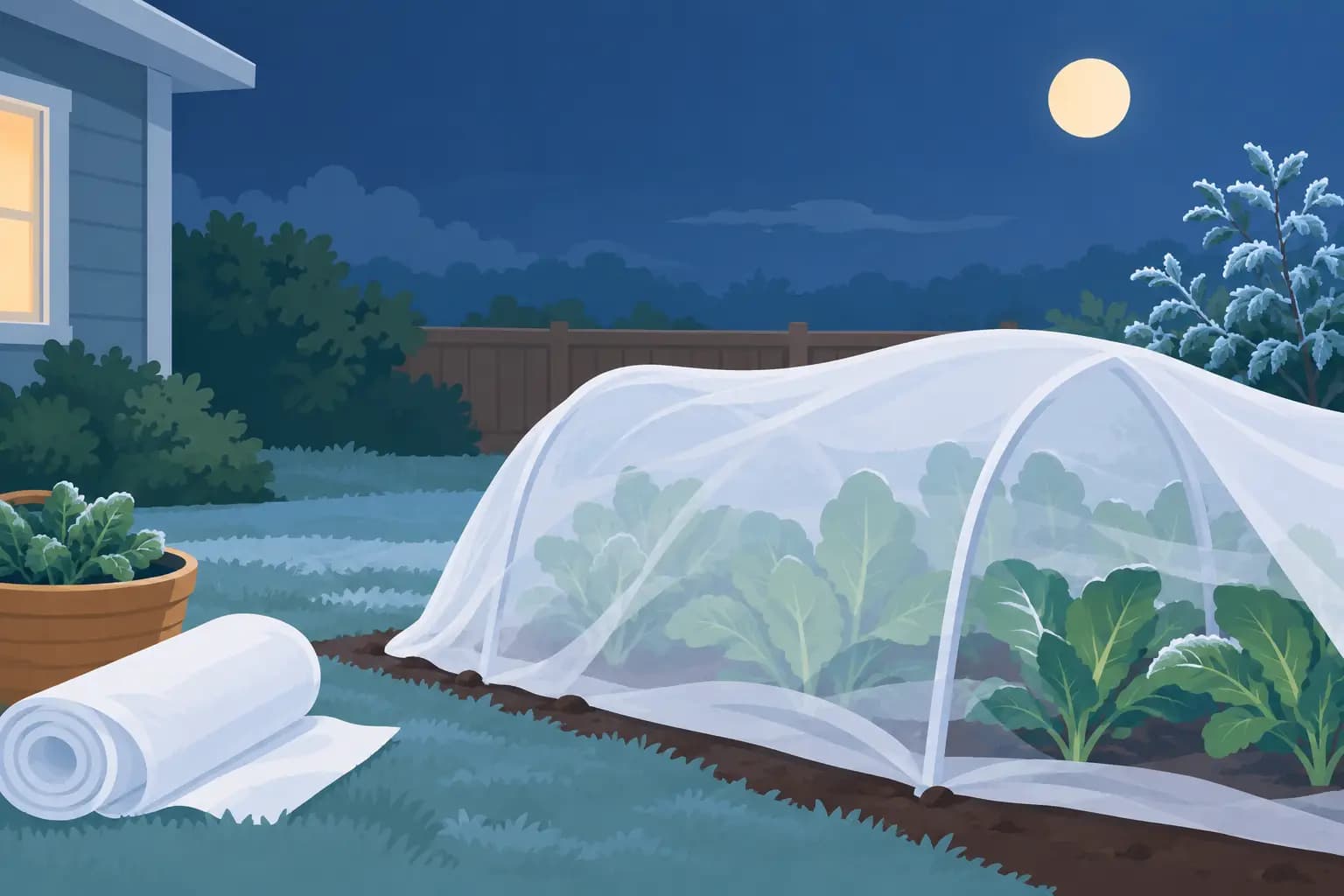
The forecast says 34°F Thursday night. Your basil is still outside, the tomatoes are loaded with green fruit, and you have about fifteen minutes before dinner. A useful vegetable garden app should not make you search through care sheets to decide what matters. It should tell you: cover or bring in the basil before Thursday night, leave the tomatoes protected if temperatures stay above freezing, and skip watering because rain is expected tomorrow.
That is the difference between having garden information and having a plan. Home gardens do not need more tabs, more notifications, or another catalog of plant facts. They need calm direction based on what is happening in the yard right now.
A Vegetable Garden App Should Answer Tonight's Question
Most garden apps can identify a plant, store a photo, or offer a generic planting calendar. Those features can be useful, but they rarely solve the question that stops gardeners on a Tuesday evening: what should I do now, and what can wait?
A practical app starts with the garden you actually have. It knows whether you are growing basil in a container, cucumbers along a trellis, lettuce in a raised bed, or peppers in a small greenhouse. It considers local temperatures, rainfall, frost risk, and the crop's stage of growth. Then it turns that context into a short list of actions.
The best guidance is specific enough to act on. “Watch for disease” is not a task. “Check the lower leaves of your zucchini tonight for white patches; remove affected leaves if the spots are spreading” is. The first creates worry. The second gives you a reason, a deadline, and a manageable job.
That focus matters for experienced growers as much as beginners. Once a yard includes several beds, herbs by the kitchen, a greenhouse shelf, and a patch of lawn, remembering every seasonal task becomes its own project. A garden app should reduce that mental load, not ask you to become a full-time garden administrator.
Weather Awareness Is the Starting Point
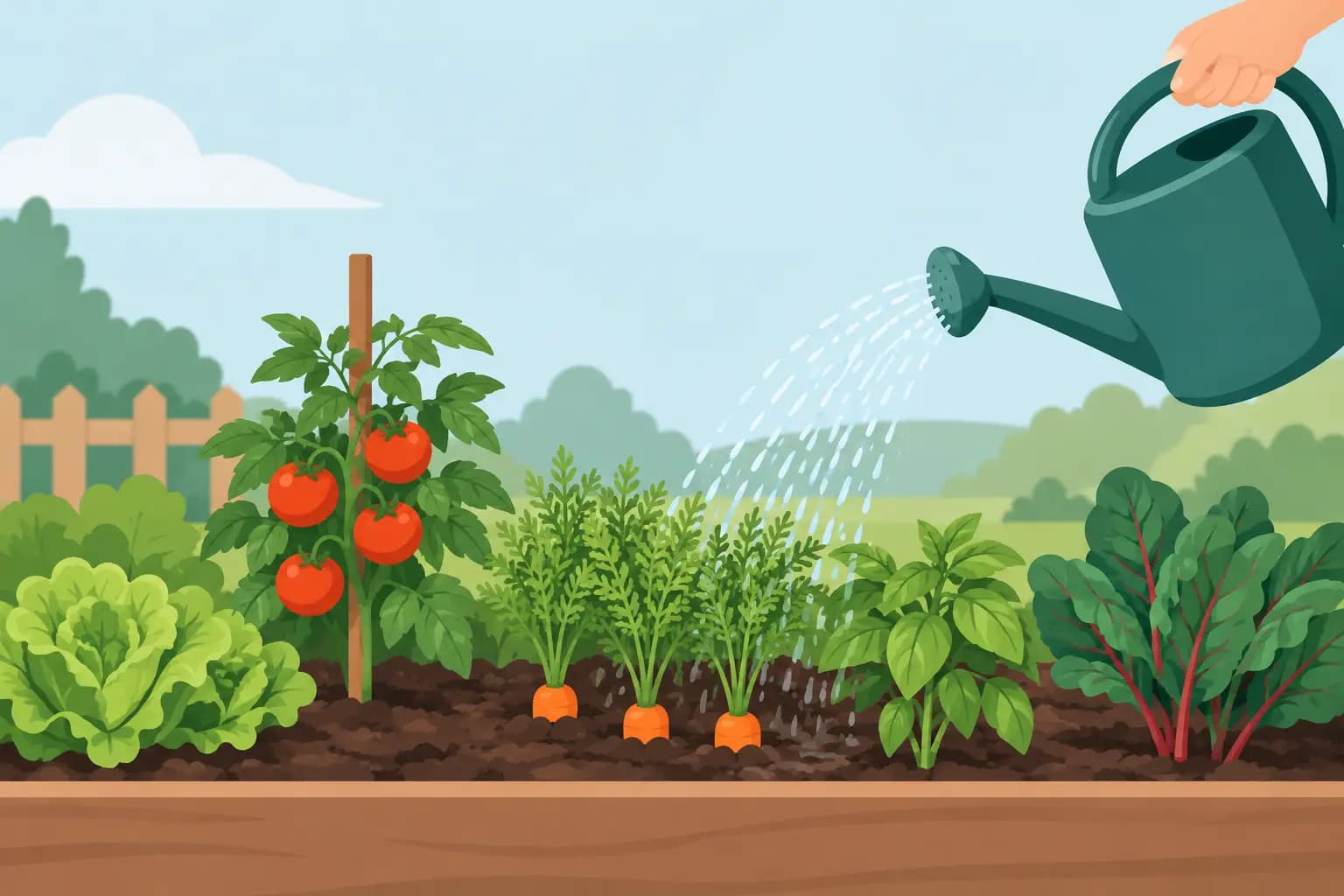
Outdoor growing runs on weather, but weather data alone is not enough. A 90% chance of rain does not automatically mean every plant should go unwatered. A quick shower may not reach the soil beneath a dense tomato canopy, while newly planted beans may need nothing at all.
Useful recommendations connect the forecast to the plant and the task. If a heat spell is coming, the app should prioritize checking containers, newly transplanted seedlings, and shallow-rooted leafy greens. If steady rain is on the way, it should help you postpone watering and remind you to improve airflow around crowded tomatoes or squash. If an overnight frost is possible, it should distinguish between tender basil and cold-tolerant kale.
Timing is just as valuable as the advice itself. “Protect peppers before sunset” is better than an alert that appears after you are already in bed. The goal is not to receive more notifications. It is to receive the one alert that prevents a preventable loss.
Weather-aware care also keeps gardeners from overcorrecting. It can be tempting to water heavily before a hot day or spray at the first sign of a leaf spot. Sometimes that is right. Sometimes it creates new trouble, such as stressed roots, fungal pressure, or wasted effort before rainfall. Good guidance explains why an action is recommended and leaves room for what you observe in your own soil.
Crop Stages Change the Right Task
A tomato plant in early spring and a tomato plant carrying fruit in August do not need the same care. Neither does lettuce when it is a small transplant versus when warm weather is pushing it toward bolting.
That sounds obvious, yet many garden reminders are fixed to the calendar. Calendar timing is a helpful starting point, especially for planting, but plants do not read the calendar. A cool spring can slow growth. An unusually warm stretch can speed it up. The care plan should follow the plant's stage, not only the date.
For example, young cucumber plants may need help establishing a trellis and consistent moisture. Once they begin producing, the priority may shift toward harvesting frequently, checking leaves for pests, and keeping fruit off wet soil. With garlic, the important job late in the season may be watching for lower leaves to brown rather than feeding the bed again.
A good app makes these shifts visible without asking you to memorize a growing textbook. It should tell you what stage the crop is likely in, what is normal at that stage, and which small action has the greatest payoff.
Keep Records That Earn Their Place
Garden logs can become a chore quickly. If recording every watering, leaf, and harvest adds five minutes of screen time, most people will stop using the tool by July. That is reasonable. The garden should not become an unpaid data-entry job.
The records worth keeping are the ones that improve the next decision. A note that you transplanted peppers last weekend helps interpret slow growth. A photo of a suspicious spot can reveal whether it is spreading. A record of the first harvest helps you compare varieties next season. Tracking by bed matters because one bed may drain quickly while another stays wet for days.
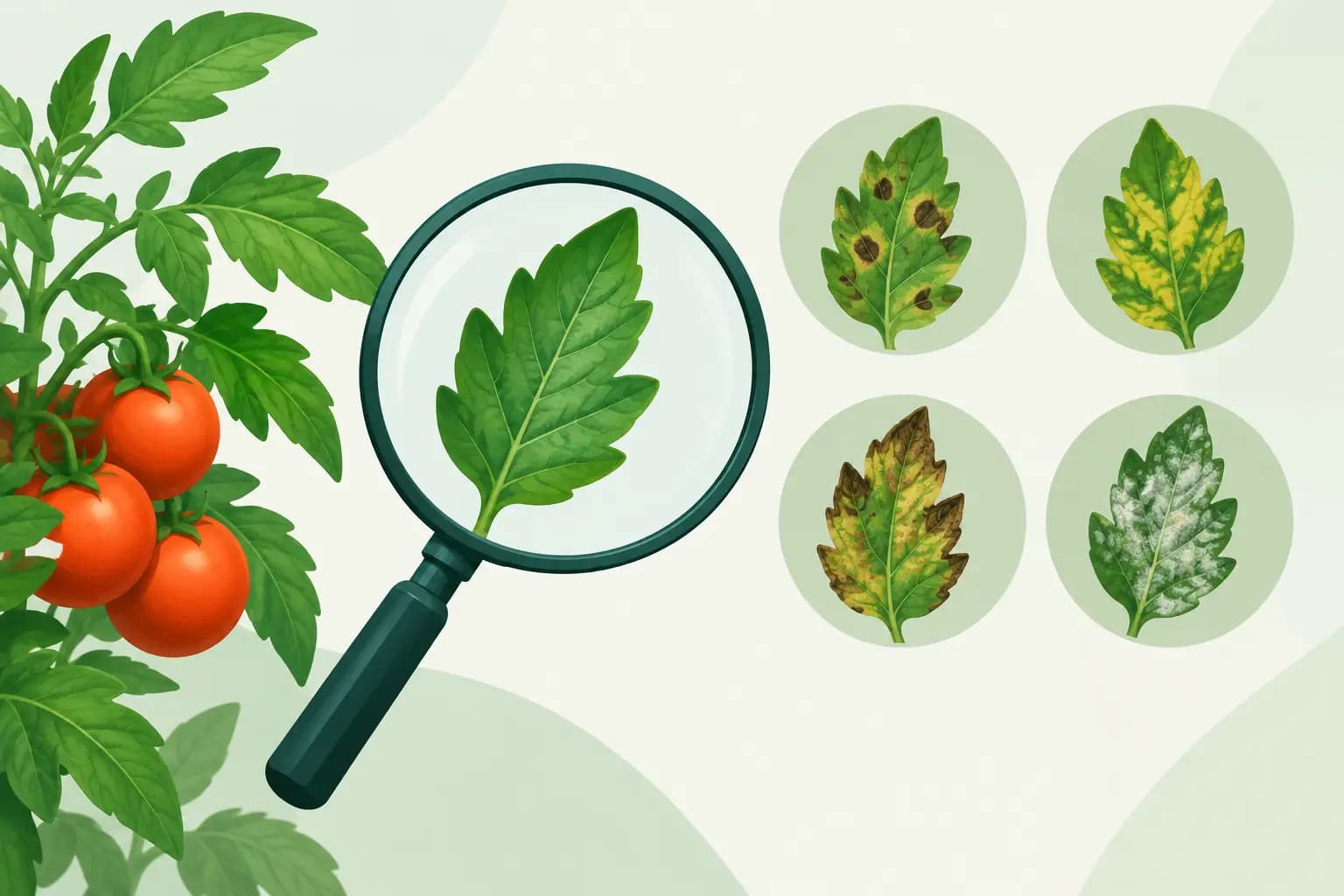
Photo-based health checks can be especially useful when they lead to a practical next step. A photo tool cannot replace close observation or diagnose every issue with certainty. Leaf damage can come from insects, disease, wind, nutrient stress, or a combination. But it can help narrow the possibilities and prompt a timely inspection before a small problem becomes a large one.
The right balance is simple: log what you will use again. Skip the rest.
Look for One Plan Across the Whole Yard
A vegetable bed does not exist in isolation. Herbs need harvesting before a cold snap. A small greenhouse needs venting on a sunny winter afternoon. Lawn work can compete for the same Saturday morning as mulching beds and setting up supports.
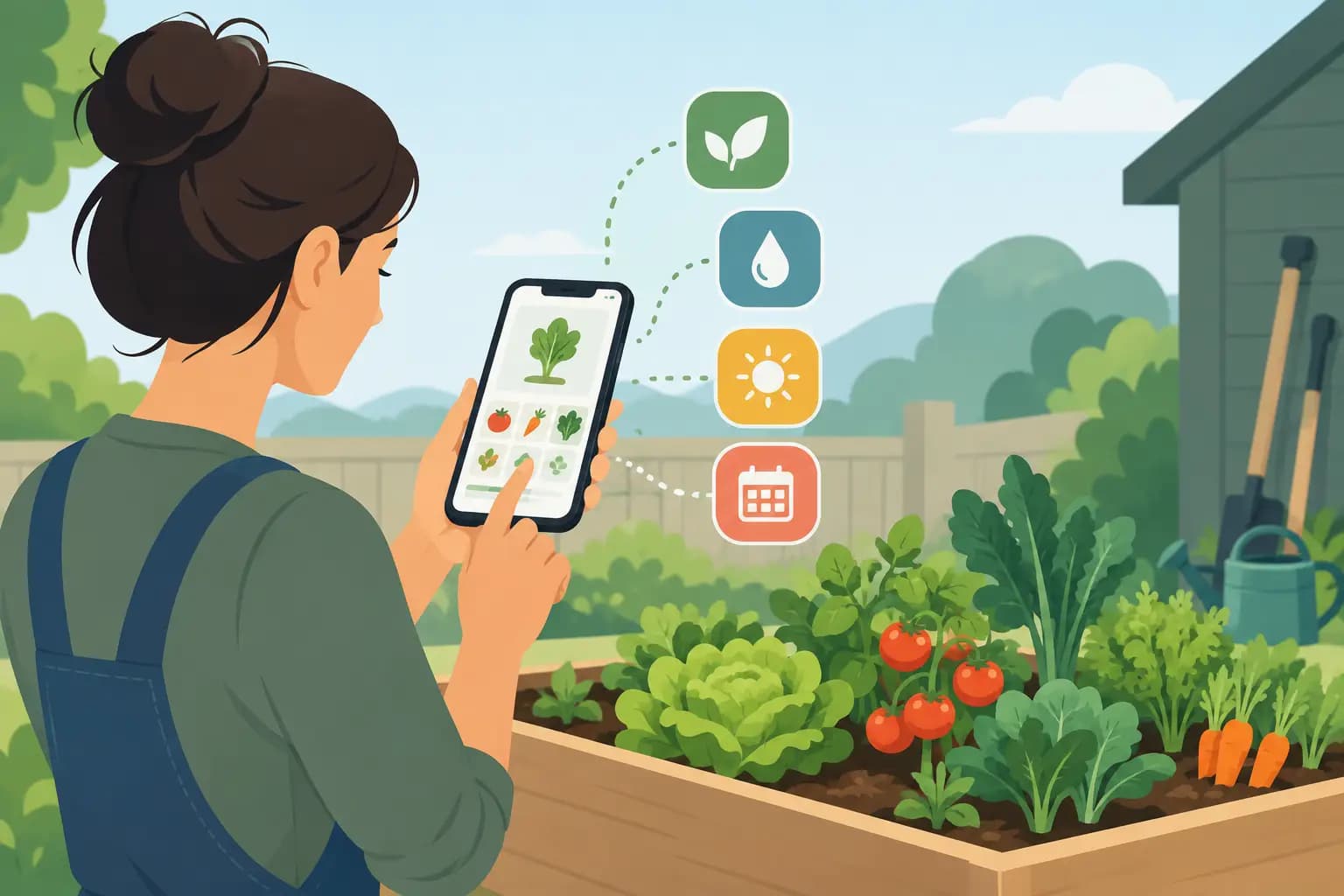
This is where a broader outdoor growing tool can save real time. Rather than moving between a plant identifier, a weather app, a spreadsheet, greenhouse notes, and lawn reminders, gardeners benefit from one prioritized view of the property. Tomatograph is built around that kind of weekly plan, bringing vegetable beds, herbs, greenhouse projects, and lawn care into a single practical routine.
That does not mean every task deserves equal attention. A smart plan should rank actions by urgency and consequence. Harvesting ripe zucchini can wait a day. Bringing basil inside before a freeze cannot. Refilling a birdbath may be pleasant, but it should not crowd out checking a tomato plant showing early signs of blight.
When an app presents ten tasks with the same urgency, it has not really helped you decide. The useful version says what to do first, how long it should take, and what can safely wait until the weekend.
Choose Guidance, Not a Stream of Noise
Before committing to a garden app, test whether it makes decisions easier. Set up one bed, add a few crops, and see what the first recommendations look like. Are they tied to your location and conditions? Do they account for rain, temperature, and frost risk? Can you tell what to do in ten seconds?
Also consider the trade-offs. A beginner may value detailed crop guides and clear reminders. A seasoned gardener managing several spaces may care more about flexible tracking, bed-level organization, and the ability to override a recommendation. Some gardeners want moon-phase information as part of their routine; others will treat it as optional context. The app should support your method without burying the urgent work beneath features you will never use.
A permanent free tier can be enough for a single raised bed or a first growing season. Larger gardens may benefit from unlimited plants, multiple gardens, and more frequent health checks. The best choice depends less on how many features appear on a pricing page and more on whether the app gives you back time outside.
Tonight, start with the task closest to a deadline. Check the forecast, walk the beds for two quiet minutes, and handle the one thing tomorrow's weather could make harder. That is how a garden stays productive without taking over your life.